
Common Exchange API Connection Errors and How to Fix Them
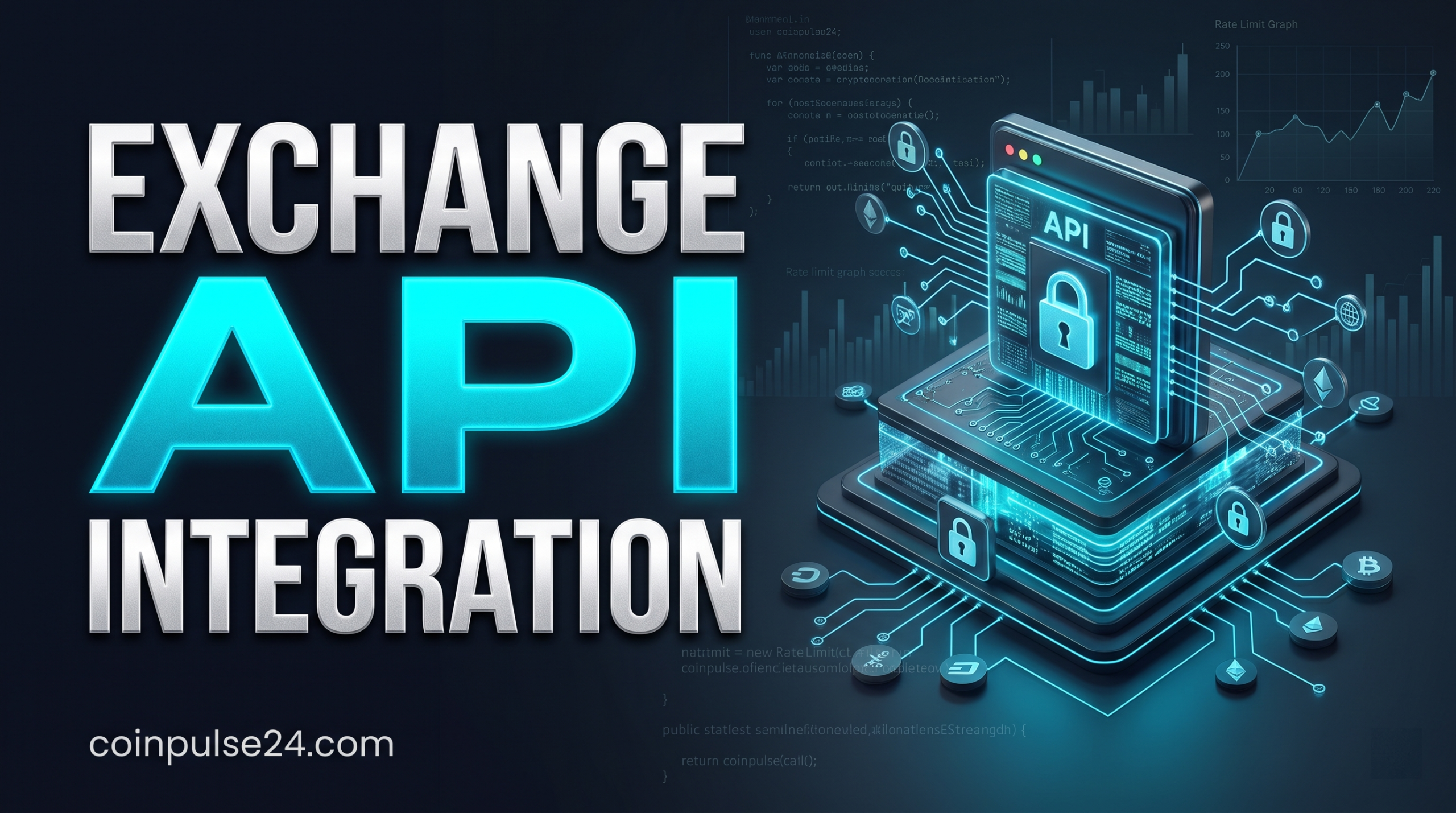
Resolving exchange API connection errors requires systematically diagnosing five primary failure points: IP address whitelisting mismatches, incorrect secret key signatures, system clock desynchronization, insufficient API key permission scopes, and HTTP 429 rate-limit breaches. Fixing these issues involves synchronizing your server clock via NTP, setting static IP rules, verifying HMAC SHA256 signature payloads, and implementing exponential backoff logic for request queues.
Skip this if you are using a non-custodial wallet interface or manual web browser trading, as native web interfaces do not rely on user-managed REST or WebSocket API keys.
What Causes Most Exchange API Connection Errors?
Cryptocurrency exchange API connections fail when security protocols or transport parameters between client software and exchange servers mismatch. Exchange endpoints enforce strict authentication rules to prevent unauthorized order execution and data interception. When a request violates these strict operational boundaries, the server returns specific HTTP status codes such as 400 Bad Request, 401 Unauthorized, 403 Forbidden, or 429 Too Many Requests.
Understanding the root cause requires isolating transport-layer issues from authentication failures. Most connectivity issues stem from static key misconfigurations rather than total exchange downtime. Modern crypto exchanges rely on automated signature verification systems. If a single byte in your request path, header payload, or timestamp is off, the exchange security engine rejects the entire packet.
- Authentication Failures: Incorrect secret keys, invalid signatures, or missing headers return 401 or 403 status codes.
- Network Restrictions: Dynamic IP address changes trigger anti-hijacking filters on the exchange gateway.
- Time Drift: Local system clocks out of sync by as few as 1,000 milliseconds fail nonce checks.
- Scope Enforcement: Automated trading scripts trying to post orders using read-only keys trigger denial responses.
- Capacity Caps: Exceeding request-weight allocations results in temporary IP bans and 429 errors.
Key Takeaways
- Exchange APIs use strict HTTP status codes to flag specific authentication and parameter errors.
- Most connection failures result from local client settings rather than exchange server downtime.
- Isolating request headers and network layers accelerates troubleshooting.
How Do You Fix IP Mismatch and Whitelist Errors?
An IP mismatch error occurs when your API client submits a request from an IP address not registered on your exchange whitelist. Major platforms automatically block access from non-whitelisted IP addresses to protect funds if an API key leaks. This issue frequently appears when running trading software from local home networks with dynamic IP assignments.
To fix an IP whitelist failure, check whether your internet service provider changes your public IP address. If your IP changes periodically, your API requests will work initially and then suddenly fail with an HTTP 403 Forbidden response. You can verify your active outbound IP address by querying public network lookup utilities before sending requests.
For production trading scripts and automated bots, host your code on a Virtual Private Server with a dedicated static IP address. Once provisioned, copy the static IPv4 address directly into your exchange API management panel. Avoid entering subnet masks unless your host explicitly assigns a stable IP block. According to official guidelines from Binance Developer Documentation, binding static IP addresses to API keys is the single most effective defense against unauthorized remote execution.
In Short
- Dynamic home IP addresses cause recurring 403 network authorization blocks.
- Hosting trading bots on a static VPS IP eliminates address mismatch errors.
- Always double-check IPv4 formatting inside the exchange key settings panel.
How Do You Resolve API Key Permission Scope Denials?
Permission scope errors happen when your application attempts an action that your API key is not authorized to perform. For example, if a bot tries to place a limit order using an API key created with only read-only market data permissions, the exchange rejects the API request instantly.
Resolving scope denials requires auditing the operational privileges assigned to the key inside the exchange portal. Exchange security frameworks divide permissions into distinct categories to enforce the principle of least privilege.
| Permission Scope | Allowed Actions | Recommended Environment |
|---|---|---|
| Read-Only / General | Account balances, order history, market data | Tax tracking, portfolio monitoring |
| Trade / Spot & Margin | Place orders, cancel orders, modify positions | Automated trading bots, execution algorithms |
| Withdrawal / Transfer | Move funds to external blockchain addresses | Highly restricted manual administration only |
Never enable withdrawal permissions on API keys used for automated trading scripts or third-party analytical tools. If your application triggers a permission error, navigate to your exchange API settings, edit the key restrictions, check the box for Spot Trading or Futures Trading, and save the updated configuration.
Bottom Line
- Permission errors occur when API actions exceed key privileges.
- Match your key permissions strictly to the functional needs of your software.
- Keep withdrawal permissions disabled across all automated execution keys.
How Do You Repair Timestamp and HMAC Signature Mismatches?
Signature mismatches are among the most difficult API errors to debug. Cryptographic authentication requires signing every request payload with an HMAC SHA256 algorithm using your secret key. If the string to sign contains extra spaces, incorrect parameter ordering, or an inaccurate timestamp, the exchange recalculates a different signature and drops the connection.
Timestamp drift is the leading trigger of signature failures. Exchanges enforce a narrow receiving window, known as the recvWindow parameter, typically set between 5,000 and 10,000 milliseconds. If your local system clock lags behind the exchange server time, the request arrives outside this accepted window, returning an invalid timestamp error.
To solve timestamp drift, set up an automatic clock synchronization service on your hosting environment. On Linux servers, configure the Network Time Protocol daemon to continuously sync system time with global reference servers. As outlined by Network Time Foundation guidelines, maintaining NTP clock synchronization prevents timestamp drift errors in time-sensitive cryptographic systems. Additionally, ensure your code constructs the query string in exact alphabetical order before generating the HMAC digest.
Quick Summary
- HMAC signatures fail if request parameters or payload formatting differ by a single character.
- Timestamp errors happen when local server clocks drift outside the exchange recvWindow.
- Continuous NTP clock synchronization prevents server time drift issues.
How Do You Handle HTTP 429 Rate-Limit Errors?
Exchanges enforce strict rate limits to prevent server overload and protect engine performance. When your application exceeds the maximum allowed request count within a specific time window, the server returns an HTTP 429 status code. Continuing to send requests after receiving a 429 code often leads to an automatic temporary IP ban lasting from several minutes to hours.
IMAGE-3
Exchanges count rate limits based on total requests or calculated request weights. Simple ticker lookups might consume a weight of 1, whereas fetching historical order book depth might carry a weight of 20 or more. If your script runs rapid polling loops across multiple market pairs, you will quickly exhaust your allocated weight pool.
To fix rate-limit errors, refactor your application architecture from polling REST endpoints to subscribing to WebSocket streams. WebSockets maintain an open connection, streaming live prices and order book updates in real time without sending repetitive HTTP requests. When REST polling is mandatory, implement exponential backoff retry algorithms with randomized jitter to pause incoming requests whenever a 429 status code occurs.
Key Takeaways
- HTTP 429 errors mean your application has exceeded exchange request limits.
- Exchanges calculate limits using request weights rather than raw request counts.
- Migrating from REST polling to WebSocket streams reduces network overhead.
What Are the Operational Limits and Security Downsides of API Keys?
While API keys enable automated asset management, relying on them introduces security trade-offs and structural limits that users must manage carefully.
Not for you if you expect zero-maintenance operations, as exchange security policies and system updates regularly require manual API key rotation and configuration changes.
- Key Expiration Policies: Many tier-one exchanges automatically invalidate un-whitelisted API keys after 90 days of inactivity, breaking unattended deployment pipelines.
- Credential Leakage Risk: Storing API keys or secret tokens in plain text within code repositories exposes your account to automated web scrapers.
- Maintenance Downtime Limits: Exchange API gateways shut down during scheduled maintenance windows, causing execution code to fail even if client-side code is functioning properly.
- Lack of Universal Standards: Every exchange implements different HMAC hashing structures, error codes, and response formats, increasing development overhead.
In Short
- Unused or non-whitelisted API keys may expire automatically after set periods.
- Hardcoding secret credentials into public repositories creates severe security risks.
- Varying API architecture across platforms requires distinct client-side error handling routines.
Exchange API Troubleshooting Next Step Checklist
- Verify that your public IPv4 address matches the IP whitelist listed in your exchange account settings.
- Check that your local system clock is synchronized via NTP and operates within a 1,000-ms margin of UTC time.
- Confirm that API key permissions match the exact requirements of your application, leaving withdrawal scope disabled.
- Inspect HMAC SHA256 construction logic to ensure parameter strings are formatted and ordered correctly.
- Review HTTP header syntax to confirm that API keys and content-type tags are passed accurately.
- Inspect code loops for polling frequencies that exceed published exchange request weight limits.
- Replace high-frequency REST polling calls with persistent WebSocket streams where possible.
- Implement exponential backoff error handling to manage rate-limit responses gracefully without triggering IP blocks.
Frequently Asked Questions
What does an HTTP 401 Unauthorized API error mean?
An HTTP 401 Unauthorized error indicates that the exchange server failed to authenticate your request. This usually happens when the API key string is mistyped, the key has been deleted from your account, or the request headers do not properly pass your credentials. Double-check your API key string and clear any trailing whitespace characters in your code configuration.
Why does my API key throw a timestamp out of range error?
A timestamp error occurs when the time sent in your API request header differs significantly from the exchange server system clock. Exchanges require requests to arrive within a narrow window, typically 5,000 milliseconds. If your server clock drifts even slightly, requests are rejected. Synchronizing your system clock using an automatic Network Time Protocol service resolves this issue.
How do I fix an invalid HMAC signature error?
An invalid signature error means the cryptographic HMAC hash generated by your code did not match the hash generated by the exchange. To fix this, verify that your secret key is correct, confirm parameters are concatenated in alphabetical order, ensure GET parameters match the URL string exactly, and check that the secret key is properly formatted in UTF-8 or raw bytes as required by the library.
What should I do if I get an HTTP 429 Too Many Requests response?
Receiving an HTTP 429 status code means your program has exceeded the exchange rate limits. Pause all requests immediately to prevent an IP ban. Reduce request frequencies, replace REST endpoint polling loops with persistent WebSocket stream connections, and write backoff logic in your code to automatically delay retry attempts whenever rate limits are approached.
Why are my trading orders rejected even though my API key connects?
If your API key connects successfully but orders are rejected, the key likely lacks trading permissions. Exchanges separate read-only permissions from trading permissions. Log into your exchange account, edit the API key settings, and ensure the checkbox for Enable Spot Trading or Enable Futures Trading is enabled.
Is it safe to allow withdrawal permissions on an exchange API key?
Enabling withdrawal permissions on an API key is generally unsafe for automated trading scripts or third-party tools. If your computer or hosting server is compromised, attackers can use a withdrawal-enabled key to drain your funds. Keep withdrawal permissions turned off for all automated applications.