
What to Do If Your Hardware Wallet Is Lost, Stolen, or Damaged
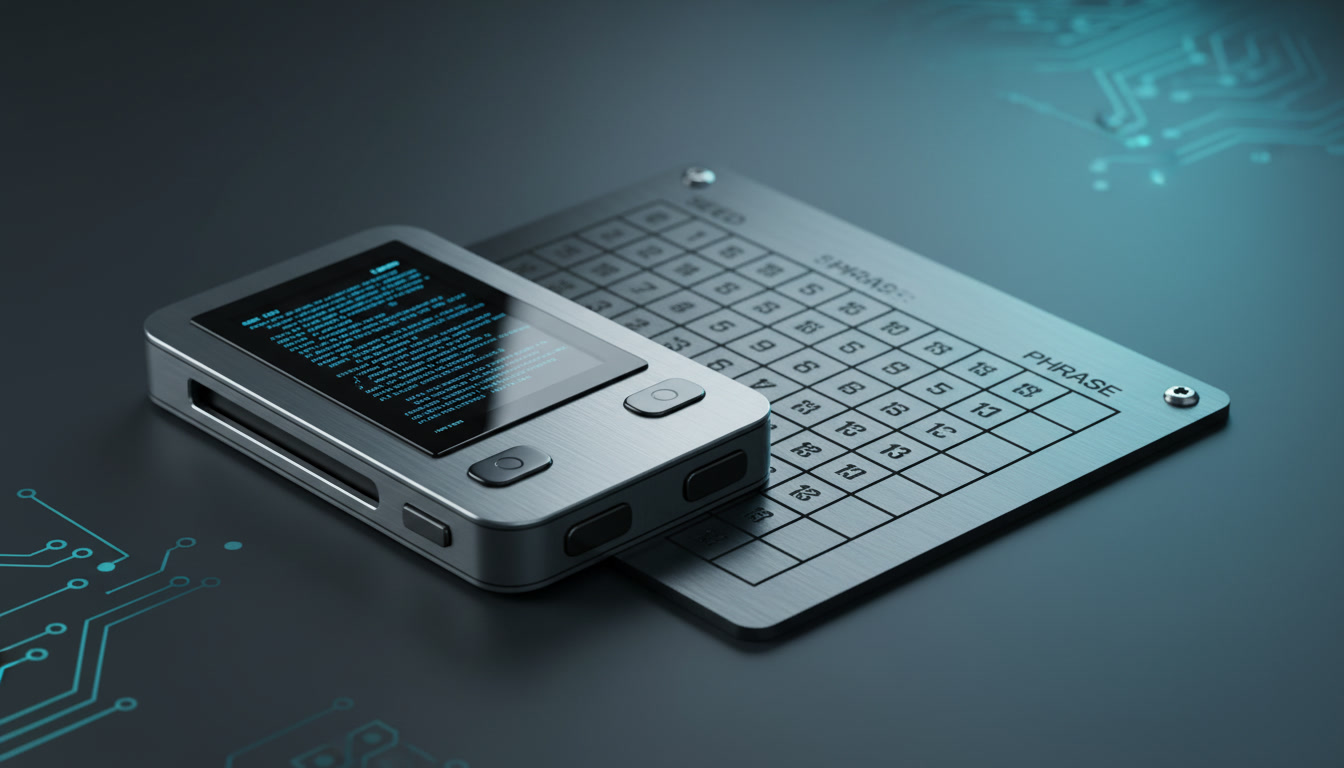
Losing physical access to a cold storage device triggers immediate panic for most cryptocurrency holders. However, understanding the architecture of blockchain security reveals that your digital assets do not reside inside the physical plastic-and-metal device. Instead, your tokens exist entirely on the public ledger, secured by the private keys generated from your unique 12-to-24-word recovery phrase.
Knowing what to do if your hardware wallet is lost, stolen, or physically destroyed can prevent costly mistakes and secure your portfolio from unauthorized access. This guide outlines the immediate evaluation steps, recovery order of operations, and crucial security trade-offs you must consider during an incident response.
Assessing the physical state of your device and the security of your PIN code determines your immediate threat level. Let us break down the exact protocols for each scenario.
Assessing the Immediate Risk: Lost, Stolen, or Damaged
The urgency of your response depends entirely on how physical access was lost. If your hardware wallet is physically damaged—for example, run over by a vehicle or destroyed by water—the immediate security risk to your funds is virtually zero. Because the hardware itself is merely a portal to access your blockchain addresses, a broken device cannot expose your private keys to anyone else. Your recovery path in this scenario is completely safe and can be executed at a relaxed pace.
If your device is lost or stolen, the situation requires a more careful threat assessment. The primary barrier protecting your assets from a physical finder is your device PIN code. Reputable hardware wallet manufacturers, such as Ledger and Trezor, design their devices with hardware-level security measures that limit PIN attempts. Typically, after three to ten incorrect entries, the device executes a factory reset, permanently erasing the private keys from the local secure element chip.
If you set a strong, non-sequential PIN (avoiding simple combinations like 1-2-3-4 or birth years), an unauthorized finder is highly unlikely to access your funds before the device wipes itself. However, if you suspect your PIN was compromised alongside the physical device, you must act immediately to migrate your funds to a new set of addresses.
- Physical damage to a device poses no risk of fund loss, provided your recovery phrase is safely stored elsewhere.
- A lost or stolen device is protected by a hardware-enforced PIN retry limit, which wipes the device after consecutive failures.
- Immediate asset migration is only necessary if you suspect the physical finder also knows or can easily guess your PIN code.
The Step-by-Step Recovery Order of Operations

When restoring access to your assets, following a structured sequence prevents catastrophic errors, such as exposing your recovery phrase to online threats. This step-by-step framework ensures your recovery remains secure.
Step 1: Locate Your Recovery Phrase (BIP-39 Backup). Before purchasing new hardware or downloading any software, confirm that you have physical access to your written or metal recovery seed. Do not attempt to input this phrase anywhere online during this step. Your backup must remain completely offline.
Step 2: Obtain a Replacement Hardware Wallet. The safest method of recovery is to input your existing seed phrase into a new, factory-sealed hardware wallet. This ensures your private keys are never exposed to an internet-connected environment. It is highly recommended to purchase your replacement directly from the official manufacturer to avoid supply-chain tampering.
Step 3: Restore the Seed Phrase on the New Device. Power on the new hardware wallet and select the option to “Restore from Recovery Phrase” rather than setting up a new wallet. Carefully input your 12, 18, or 24 words directly onto the physical buttons of the device. Never type these words into a computer keyboard or smartphone app.
Step 4: Generate New Addresses and Migrate Funds (If Compromised). If you suspect your physical device was stolen and your PIN may be vulnerable, restore your old seed to the new hardware wallet, quickly transfer all assets to a temporary secure address, wipe the new hardware wallet, generate a completely new seed phrase, and transfer the assets back to the new, highly secure addresses.
- Recovery relies entirely on your offline BIP-39 recovery phrase, which must never be typed into any digital keyboard.
- The most secure recovery path involves importing your seed phrase directly into a clean, physical replacement hardware wallet.
- If security was compromised, immediately sweep all assets to fresh addresses generated under a completely new recovery seed.
The Risks of Hot-Wallet Restoration

In urgent scenarios where you must move funds immediately but cannot wait for a replacement hardware wallet to ship, you may feel tempted to restore your recovery phrase using a software wallet (such as MetaMask, Trust Wallet, or Electrum). This is known as a hot-wallet restoration.
While importing your recovery seed into a software application will grant you immediate access to your assets, it permanently compromises the security status of your recovery phrase. The moment your cold seed phrase is typed into an internet-connected device, it is exposed to potential keyloggers, screen-recording malware, and cloud backup vulnerabilities. Your cold storage wallet has now permanently transitioned into a hot wallet.
If you must use a software wallet for emergency recovery, treat those addresses as permanently compromised. Immediately transfer all your funds to a separate, secure destination. Once your replacement hardware wallet arrives, generate a brand-new offline recovery phrase and transfer your funds back to cold storage.
- Restoring a hardware wallet seed phrase into a software application permanently downgrades your cold storage to hot storage.
- Only use software restoration in extreme, time-sensitive emergencies where immediate asset migration is required.
- Always retire any seed phrase that has touched an internet-connected device, replacing it with a fresh, offline-generated seed.
Incident Response Checklist
If your hardware wallet is currently missing or inoperable, use this neutral checklist to systematic evaluate your options and execute a secure recovery:
- [ ] **Confirm backup availability:** Verify that your physical recovery phrase card or metal backup sheet is secure and legible.
- [ ] **Assess the physical threat:** Determine if the missing device is safely lost (e.g., dropped in the ocean) or actively stolen by a malicious actor.
- [ ] **Check PIN integrity:** Evaluate whether anyone could guess or access your PIN code based on your personal security habits.
- [ ] **Acquire authentic hardware:** Order a replacement device directly from official manufacturing channels like Ledger or Trezor.
- [ ] **Perform offline restore:** Input your recovery phrase strictly using the physical buttons of your new device.
- [ ] **Audit active balances:** Verify that all token balances match your expectations once the restoration is complete on the blockchain.
Frequently Asked Questions
Can someone steal my crypto if they find my lost hardware wallet?
It is highly unlikely unless they also know your PIN code. Reputable hardware wallets enforce strict PIN entry limits (usually 3 to 10 attempts) and will completely wipe their internal cryptographic keys after consecutive failures. This makes brute-forcing your physical wallet nearly impossible for a random finder.
What happens to my crypto if the hardware wallet manufacturer goes out of business?
Your funds remain safe. Hardware wallets use a standardized open backup protocol called BIP-39. This means your 12-to-24-word recovery phrase is compatible with almost all alternative hardware and software wallets on the market. You can import your seed phrase into any compatible wallet to regain access to your assets.
Should I import my recovery phrase into MetaMask if my wallet is lost?
Only do this in an absolute emergency where you must move funds instantly and cannot wait for a replacement device. Importing your hardware wallet’s seed phrase into any software wallet permanently exposes your private keys to the internet, negating the security of cold storage. If you do this, migrate your funds to a new address immediately.
How do I test if my recovery phrase works before an emergency occurs?
Most hardware wallets offer a recovery check application within their official software interface. This tool allows you to input your seed phrase on the physical device to verify that it matches the keys currently loaded on the chip, ensuring your backup is correct without wiping your current setup.